


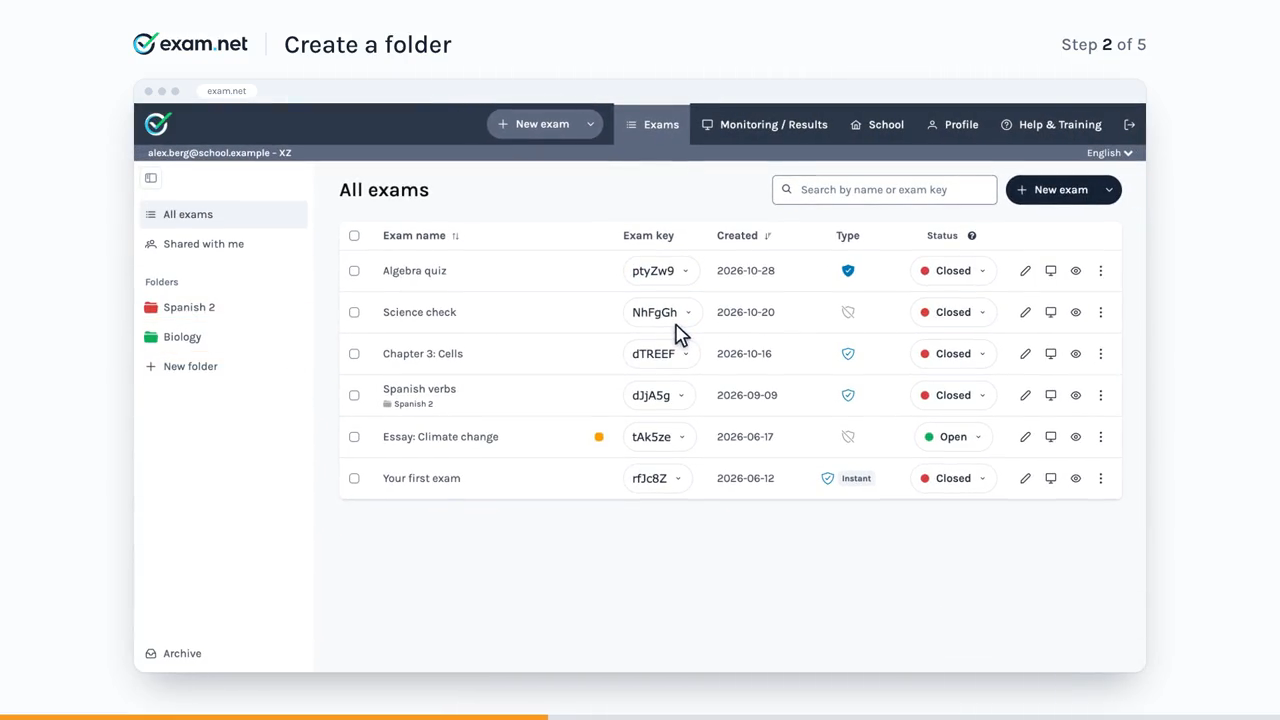
Keeping track of your exams is now simpler with the new exam list and folders. We’ve also improved two tools your students use during exams and added a few print options. Each one comes with a short video.
Your new exam list
Organize your exams in color-coded folders, move several exams at once and reorder your folders. Search by name or exam key, including archived exams.
Text-to-speech reads text in images
Labels in a diagram are now read aloud too. The word being read is highlighted, so students can follow along.
Spreadsheets in GeoGebra
GeoGebra Suite now has a spreadsheet, so students can work with tables, series and simple statistics without leaving the exam.
Also new
Better printouts: text exams have their own print settings, and you can adjust line spacing, use the new PDF buttons and choose how students are sorted in the printouts.
See the new features in action
Open the demo exam to try them the way your students will.
If you have any questions, our support team is happy to help at support@exam.net.